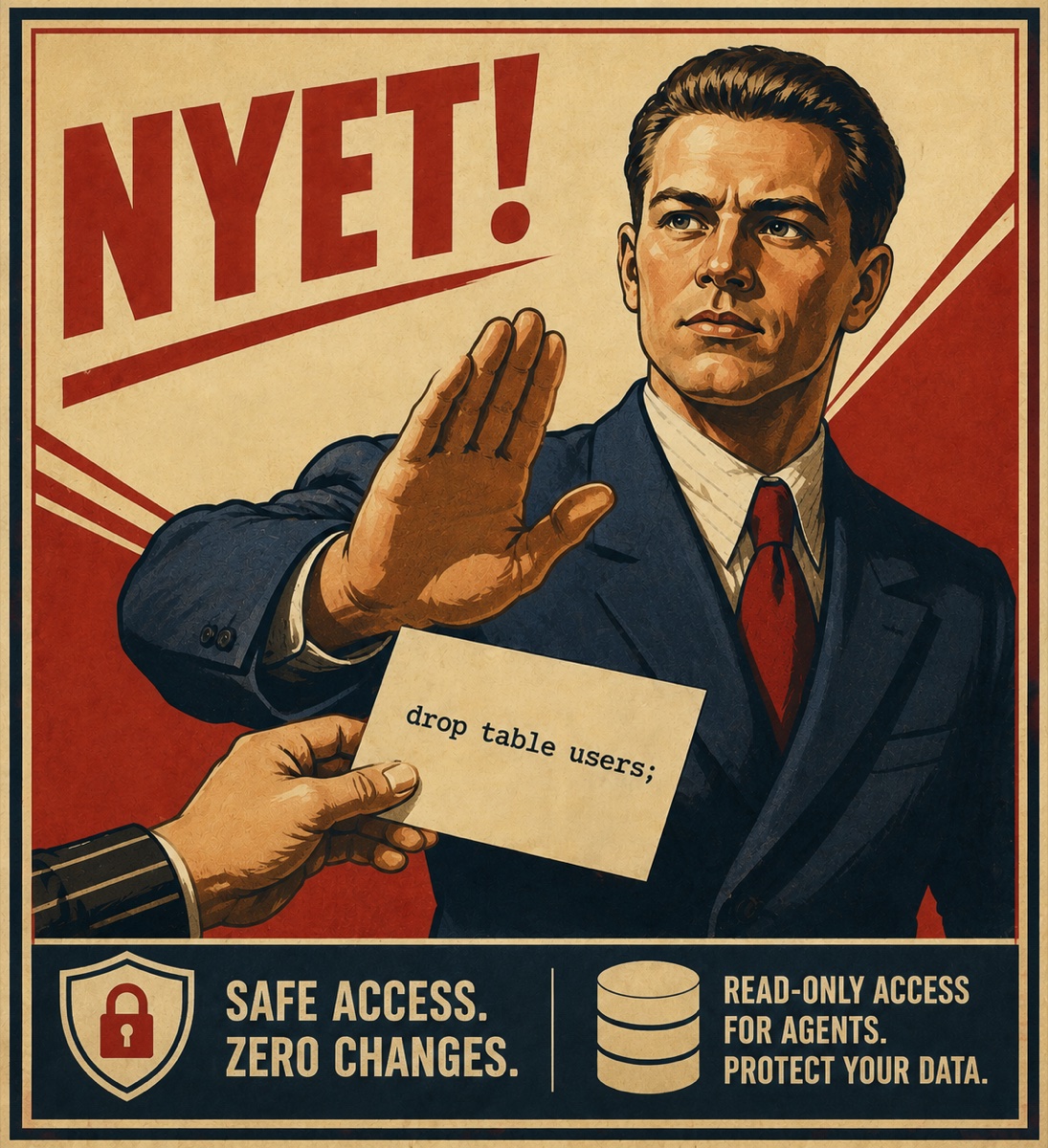
Your AI agent can look. For everything else — nyet.



Your agent needs to look at the database. Handing it your psql credentials
puts a DELETE one hallucination away — and "please only run SELECTs" in a
prompt is not a boundary.
nyet is that boundary: a CLI that gives an AI agent (Claude Code, Cursor, any
harness) read-only access to PostgreSQL, MySQL/MariaDB, SQLite, MongoDB,
ClickHouse and Redis. Credentials stay in one config file you own, each
connection is reachable only from the directories you name, every query is
classified before it reaches the wire, and every call is logged. Output is
JSON built for a machine to read.
$ nyet query prod "SELECT id, email FROM users ORDER BY id LIMIT 2"
{"v":1,"ok":true,"rows":[{"id":1,"email":"a@b.c"},{"id":2,"email":"d@e.f"}],"meta":{"row_count":2,...}}

$ nyet query prod "DELETE FROM users"
{"v":1,"ok":false,"error":{"code":"NYET","reason":"WRITE_OPERATION","message":"nyet: 'DELETE FROM' is not a read operation","hint":"nyet is read-only; only SELECT, EXPLAIN, SHOW and DESCRIBE statements are accepted — rewrite the task as a read query"}}
# exit code 5- Read-only in three layers. An AST validator that refuses anything it does
not understand, the session itself (
BEGIN READ ONLY,mode=ro,readonly = 1), and a read-only database role — the layer that holds even when something walks around nyet entirely.nyet doctortells you which ones are actually in place. - Scoped per project. Each connection lists the directories it is reachable
from, subdirectories included; absent or empty means denied everywhere, fail
closed. An agent working in
~/work/shopcannot see the billing database, even though both are in your config. - The password stays out of the agent's reach. The agent runs under your
uid, so it reads any file, env var or
op read …you can — except a macOS Keychain item, which is readable by this build ofnyetalone. Anything else gets you a prompt the agent cannot answer. nyet states which source a connection uses rather than implying they are equal. - PII columns. Mark
users.emailand every query that could expose it is refused — named directly, used as a filter, wrapped in an expression, swept up bySELECT *, or caught on the way back from the result's own provenance. Switch tomode = "mask"and the values come back[REDACTED]instead, with the agent told they were. - An auto-guardrail. Before running anything, nyet asks the database to
plan the query and refuses one whose estimate is over your threshold — with
the plan attached, so the agent can fix it without another round trip. There
is no
--force: a limit the agent can wave away is not a limit. - SSH tunnels. A database behind a bastion needs an
[ssh]block, not a separatessh -Lin another terminal. Forwards are reused between calls, andnyet doctorshows you the one that is still up. - An audit log. One JSON line per call that reached a database — refusals, errors and timeouts included, so it records what the agent tried. It is fail-closed: if the log cannot be written, the result is withheld.
- Ceilings the agent cannot raise.
--limitand--timeoutlet an agent ask for more, up to themax_row_limit/max_timeout_secsyou set. Policy values reject${VAR}too, so the environment it controls cannot widen its own scope. - Built to be handed to an agent. A stable JSON envelope with closed error,
warning and exit-code lists, and
nyet agent-setupwrites the Claude Code skill that teaches all of it.
# macOS / Linux, x86_64 and aarch64
curl --proto '=https' --tlsv1.2 -LsSf https://github.com/stasmarkin/nyetdb/releases/latest/download/nyetdb-installer.sh | sh

brew install stasmarkin/tap/nyetdb   # or Homebrew
cargo binstall nyetdb                # or the same prebuilt archive, via cargo
cargo install nyetdb                 # or compile it here
npm install -g @stasmarkin/nyetdb    # or the npm wrapper (see the caveat below)
The installer and Homebrew pin the archive by SHA-256 and install a binary
carrying a GitHub build-provenance attestation you can check yourself with
gh attestation verify <archive> --repo stasmarkin/nyetdb.
The npm wrapper is the weakest channel — its postinstall downloads the
platform archive over HTTPS without verifying a checksum — so prefer the
others where you have the choice. Prebuilt binaries cover macOS and Linux;
Windows is not released yet (SSH tunnels and some tests are unix-only), so
build from source if you need it.
1. Write the config. nyet settings opens the one config file
(~/.config/nyet/config.toml) in your editor. There is deliberately no
per-project config: a file in a repo could be written by an agent or arrive in
a PR, and this one must be yours.
[connections.prod]
engine = "postgres"                    # postgres | mysql | mariadb | sqlite
                                       # | mongodb | clickhouse | redis
url = "postgres://nyet_ro@db.internal:5432/app"
password = { keychain = "prod-db" }    # macOS Keychain: the agent cannot read it
allowed_dirs = ["~/Workspace/app"]     # absent or empty = denied everywhere
row_limit = 500
timeout_secs = 10
Already have the databases in DataGrip or another JetBrains IDE?
nyet import datagrip writes those sections for you — without the passwords,
and with allowed_dirs left empty for you to fill in.
2. Put the password somewhere the agent cannot follow. On macOS,
nyet secret-set prod-db stores it in the login keychain, readable by this
build of nyet alone. The agent runs under your uid, so it reads any file,
env var or op read … command that you can — the keychain is the one source
that checks who is asking. { env = "…" } and { command = "…" } work too;
they are convenient, not protective.
3. Check the setup, honestly.
$ nyet doctor prod
ok    connectivity         connected to the database
warn  transport_encrypted  the transport is not guaranteed encrypted or verified: ...
fail  read_only_role       these credentials CAN write to the database directly: ...
                           → CREATE ROLE nyet_ro LOGIN PASSWORD '...' NOSUPERUSER ...
ok    not_superuser        the role is not a PostgreSQL superuser
ok    config_permissions   the config file is readable only by its owner (mode 0600)
nyet doctor is the one command written for a human. It names the weak spots
instead of printing a green check — a thing it could not verify is a warn,
never an ok.
4. Teach your agent.
mkdir -p .claude/skills/nyet
nyet agent-setup > .claude/skills/nyet/SKILL.md
That generates a Claude Code skill: the commands, the JSON envelope, the exit codes, how to recover from a refusal — plus the connections actually reachable from this directory. No database and no network needed.
nyet list                    # connections reachable from the current directory
nyet schema <alias> [table]  # tables, columns, keys, indexes, foreign keys
nyet sample <alias> <table>  # a random handful of rows
nyet query  <alias> <sql>    # the query — json | jsonl | table | csv
nyet explain <alias> <sql>   # the plan and the cost estimate, without running it
nyet doctor [alias]          # diagnose the setup
nyet settings                # open the config in your editor
nyet agent-setup             # generate the Claude Code skill
Plus nyet secret-set for a keychain password and nyet import datagrip for
the config blocks. Every flag, every output format and the full error, warning
and exit-code tables are in docs/COMMANDS.md.
| Engine | nyet query takes |
Session read-only (layer 2) | Guardrail |
|---|---|---|---|
| PostgreSQL | SQL | BEGIN READ ONLY + statement_timeout |
cost / rows |
| MySQL / MariaDB | SQL | START TRANSACTION READ ONLY + max_execution_time |
rows |
| SQLite | SQL | the file is opened mode=ro |
— |
| ClickHouse | SQL | readonly = 1 on every request |
rows |
| MongoDB | a subset of mongosh read syntax | none — the engine has none | — |
| Redis / Valkey | one command per call | none — the engine has none | — |
Where an engine is weaker, nyet says so rather than implying otherwise: MongoDB and Redis have no read-only session at all, so the database role carries the weight there. Per-engine detail, and the read-only account recipe for each, is in docs/ENGINES.md.
In development (0.3.x). Every engine in the table above is implemented end
to end — query, schema, sample, explain, doctor, the guardrail, the
[pii] policy and the audit log — and the JSON envelope, the error codes and
the exit codes are a contract, tracked in
docs/COMMANDS.md. Not there yet: Windows binaries, and
Cassandra / MSSQL / Elasticsearch, which resolve the connection and answer
NOT_IMPLEMENTED. What ships when is in ROADMAP.md.
| Getting started | install, the config file, secrets, directory scoping, SSH tunnels |
| Commands | every command, output formats, the envelope, exit and error codes |
| Engines | per-engine specifics and the read-only account recipes |
| Security model | the three layers, refusals, PII columns, the audit log |
| Roadmap · Security policy | what comes next; reporting a vulnerability |
Working on nyet itself? AGENTS.md is the map, and
docs/dev/ holds the design record, the development guide and the
argument behind every line of the guide above.
Licensed under either of
- Apache License, Version 2.0 (LICENSE-APACHE)
- MIT license (LICENSE-MIT)
at your option.