Lexica.art prompt scrapper & AI-powered classifier of relations to the past within sets of prompts launching guide
python3 scrap2025.py
python scrap2025.py
Webdriver download link: https://chromedriver.chromium.org/downloads
Check your chrome driver:
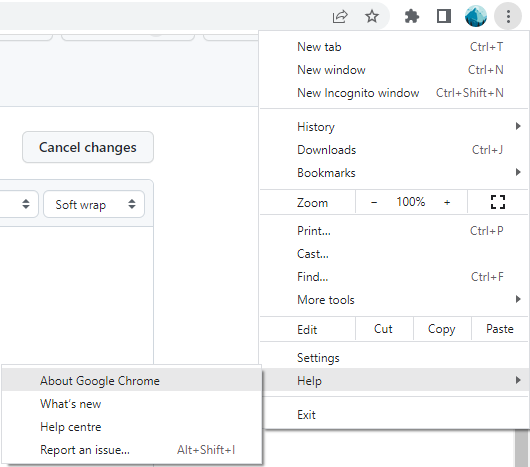
xattr -d com.apple.quarantine chromedriver
pip install selenium
pip install termcolor
python scrap.py
In order to be able to launch the model, you need to first install the following libraries
pip install pandas datasets transformers scikit-learn torch numpy matplotlib seaborn
cd past_reference_classifier
Run the following command to determine if your GPU is correctly detected:
python test_cuda.py
If your GPU has been displayed there then everything is alright, you are good to go.
In order for the classifier to work the data must be stored either as a .csv file, or as a .txt file in the according format.
There are 2 main requirements for the csv files:
- The prompts must be stores in the
textcolumn, the other columns don't matter - The separator of the csv file must be a comma
,
For the txt files, there are almost no requirements except that every prompt has to have a separate line. You can easily get an example of the needed file by running scrap2025.py. Both 'array-formatted' and 'plain' txt files are accepted by the program.
In order to make the app work place your files into the same directory where testing.py is, or lower.
Once you have your data prepared, run the testing.py file and follow the instuctions provided there. You classified file will be saved in the same directory with the timestamp.