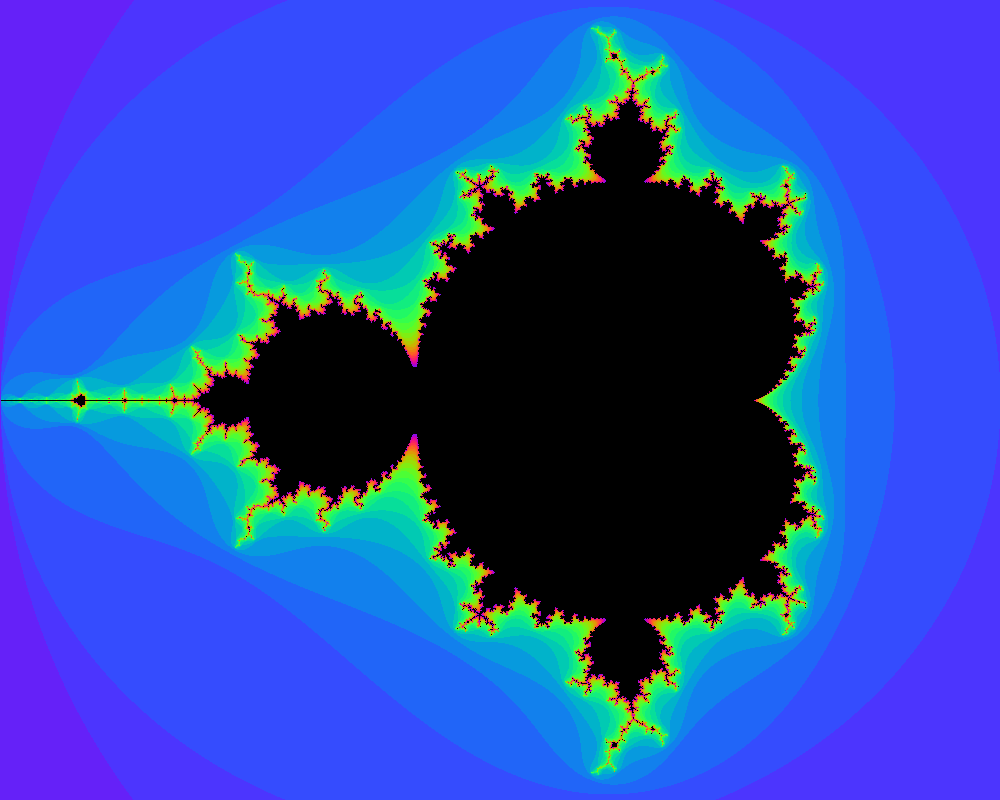
Mandelbrot in go. Image is drawn to the terminal so you will need to be using iTerm2
go get -u github.com/gotbadger/mandelbrot && mandelbrot
you can see all options by running mandelbrot -h
Usage of mandelbrot:
  -i int
       	max number of iterations / colours (default 30)
  -step float
       	a pixel is drawn for each step between coordinates (default 0.003)
  -x0 float
       	from X (default -2)
  -x1 float
       	to X (default 1)
  -y0 float
       	from Y (default -1.2)
  -y1 float
       	to Y (default 1.2)
Some interesting examples
mandelbrot -x0=-1 -x1=-0.65 -y0=0.1 -y1=0.3 -step=0.0002 -i=50
mandelbrot -x0=-0.745 -x1=-0.7 -y0=0.275 -y1=0.3 -step=0.00003 -i=200