

We're recreating Lucasfilm's Habitat, the world's first MMO, using modern technology. We'd love it if you joined us!
We run a public server at habitat.themade.org with the latest NeoHabitat code. There's often a few members of the regular crew hanging out there, so come say hey!
No install needed — play in your browser:
| 🕹️ Play Original Now | The genuine C64 client in an in-browser emulator, with the Docent guide — the authentic 1986 experience. |
| ⚡ Play Accelerated | The all-JavaScript web client + Docent — same world, no emulator, fast and crisp. |
| 📱 Play Mobile | The web client full-page, for phones and tablets. |
Or install a client:
- C64 emulator (VICE) — Windows installer, macOS app, or manual Linux/*BSD setup (details also in Step 1 below).
- Ultimate 64 / Ultimate II+ — run the client on U64 hardware over your home network (full guide).
- Real Commodore 64 — original iron, floppies, and a WiFi modem.
All the ways in, on one page: docs/play.md.
Please note: NeoHabitat is still in development, so there will likely be some instability. If you see anything weird, please tell us about it in our Discord.
Step 1 - Download and Install either the Windows or OSX Habitat package (which comes with VICE, the C64 emulator)
(Skip this step if you're using a browser client above — go straight to Step 2.)
Windows
-
Download the NeoHabitat installer
-
Run the installer.
-
Tested on Windows 11 Home v22H2 but it should be fine on older versions of Windows.
-
Check the Launch NeoHabitat box at the end of the installation, or Double-click the NeoHabitat icon on your desktop or in the Start Menu.
-
Go to Step 2!
OS X
-
Download Neohabitat.dmg and double-click on the DMG file.
-
Drag the NeoHabitat application to the Applications folder.
-
Launch the NeoHabitat application you dragged to Applications.
Please Note: OS X may inform you that this app comes from an unknown developer upon first launch. If this happens, open System Preferences and click Security & Privacy. From the following pane, click Open Anyway to launch the NeoHabitat application.
Linux and *BSD
- Install VICE and
nc(netcat) via your package manager - Extract the Windows release of Neohabitat.zip to get the
.d64files andfliplist-C64.vfl - Run the VICE C64 emulator with these options set:
x64 -rsuser -rsuserdev 0 -rsdev1 '|nc habitat.themade.org 1986' -rsuserbaud 1200 -flipname fliplist-C64.vfl Habitat-Boot.d64 - There is a bug in current versions of VICE which breaks this network support (https://sourceforge.net/p/vice-emu/bugs/1356). Versions including r38928 and earlier work.
In a few moments, you'll be brought to the NeoHabitat splash screen:
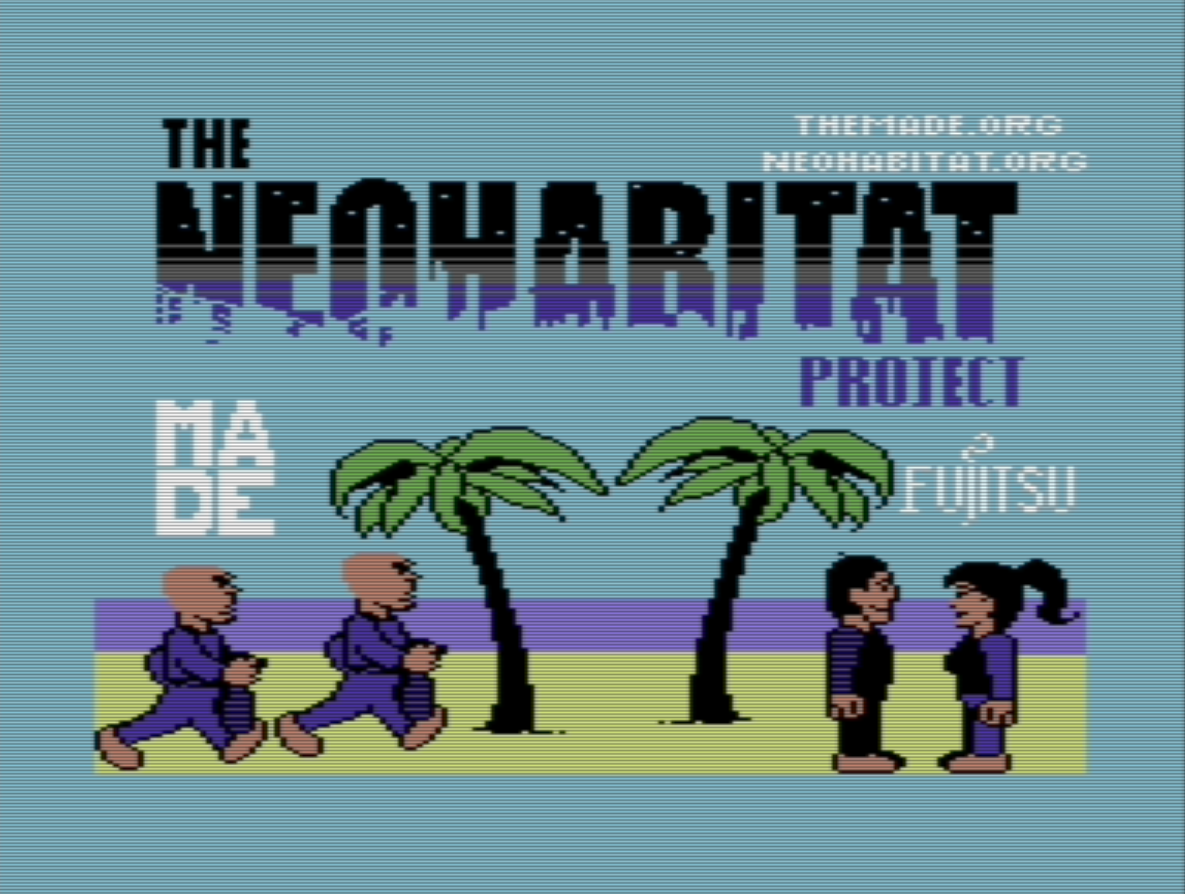
Major thanks to Gary Lake-Schaal who developed our custom loader and built the original Habitat client from the original 1985 source!
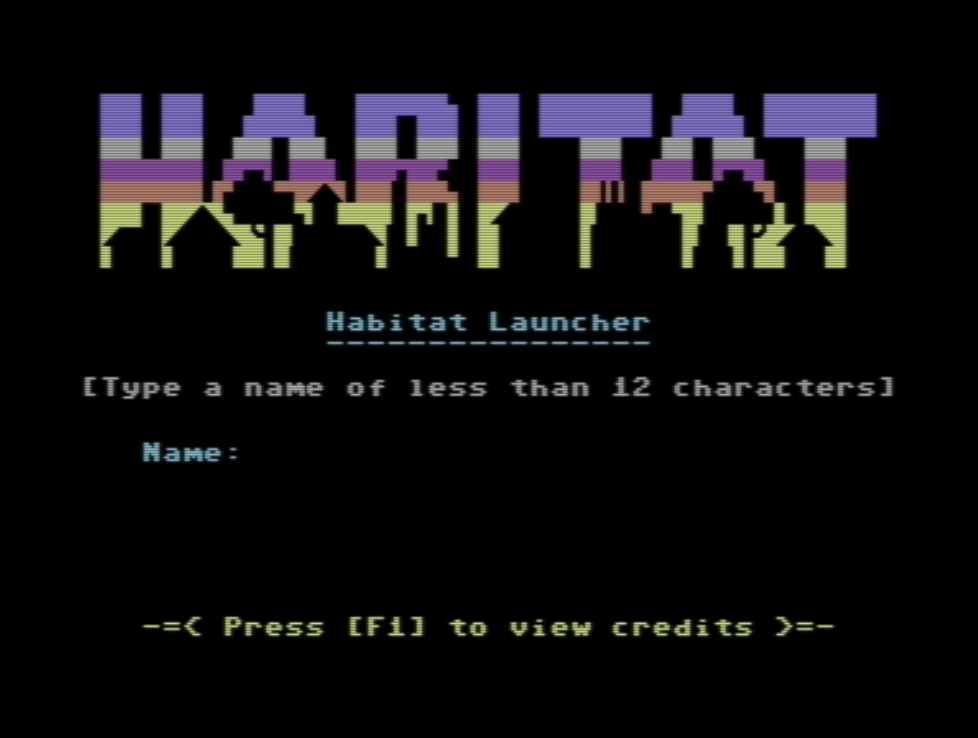
At this point, Press Enter then enter your username:
Press Enter again, then wait until the Habitat client loads and asks you to insert your imagery disk:
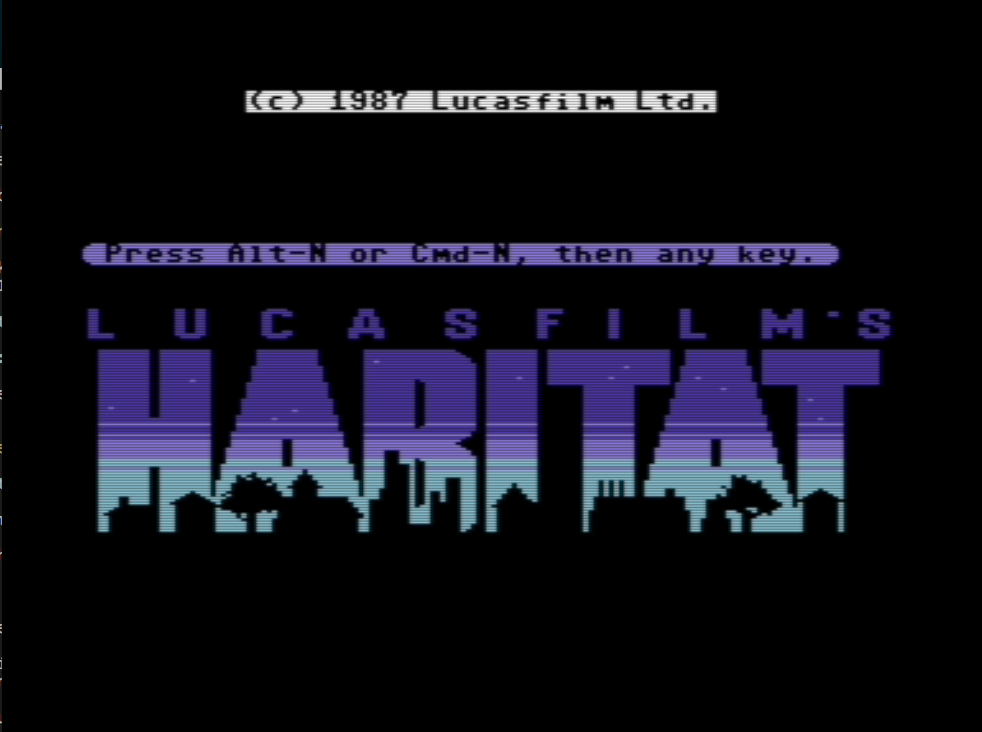
At this point, Press Alt-n or ⌘-n, then Press Enter.
If all goes well, you'll materialize in downtown Populopolis:
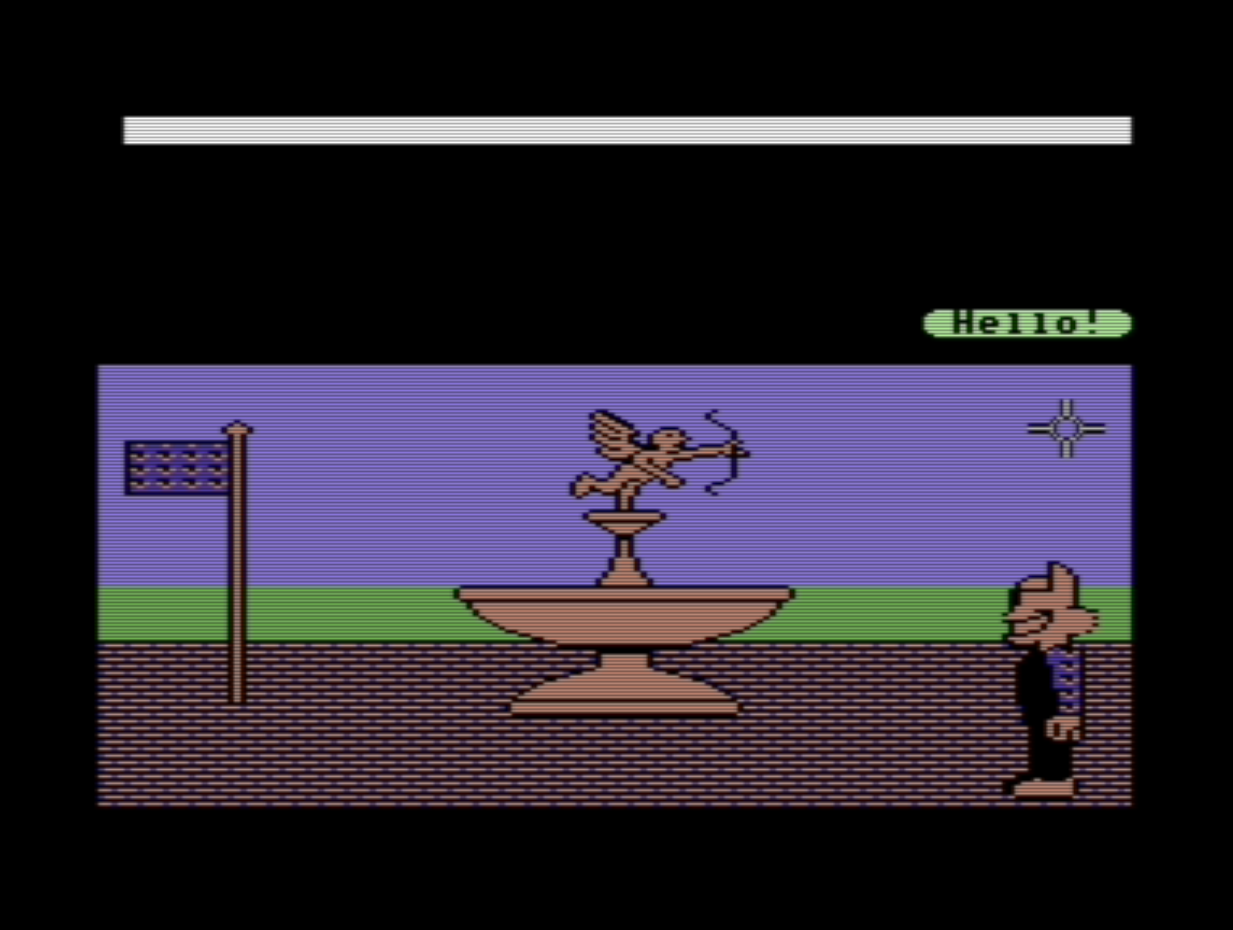
Welcome to NeoHabitat! There's a whole lot you can do here and thousands of exotic places to visit.
Before you go anywhere, we highly recommend opening up our Docent support software. It's a browser based guide that'll help you navigate NeoHabitat, learn the controls and teach you about the history of the world. It's interactive and will update as you move around without you having to lift a finger.
If you are using one of the browser clients above, the Docent support software is already active!
To learn about all the things you can do in more detail, read the official Habitat manual from 1988.
Your default controls for NeoHabitat are mapped to the numpad and Right-CTRL.
- Right-Ctrl + Numpad 8 initiates the "GO" command
- Right-Ctrl + Numpad 2 initiates the "DO" comamnd
- Right-Ctrl + Numpad 6 initiates the "GET" command
- Right-Ctrl + Numpad 4 initiates the "PUT" command
There is also a NeoHabitat Controls cheat sheet which tells you all of the keys you need to know.
For the most authentic experience, you'll also need to hook up a joystick, whether it's physical or virtual. To set one up, open the Settings menu then select Joystick. Habitat expects a joystick in port #1.
We have tested with various different gamepads that all work fine with Habitat. We have personally tested it with the Xbox 360 Wireless Controller for PC.
If you don't own a joystick and wish to change the controls to suit your needs then follow these steps:
- At the top of your VICE emulator, select "Settings"
- Hover your mouse over "Joystick Settings" and then select "Joystick Settings..." (Windows) or "Joystick" (OS X)
- A window should now popup saying "Joystick settings"
- For "Joystick #1", select "Keyset A"
- Click "Configure Keyset A" (Windows) or "Keyset" (OS X) and map the controls to whatever you like
- If you are running into issues, head on over to the #troubleshooting channel on our Discord
- If you have a localized keyboard (e.g. German QWERTZ) you might not be able to find some essential keys, like ":". It might help if you change "Settings - Keyboard Settings - Active Keymap" from Symbolic to Positional, the keyboard will behave like a C64 keyboard.
If you're having trouble getting NeoHabitat working, don't worry, we're here to help! Come join our Discord and join our #troubleshooting room.
If you encounter a glitch whilst playing NeoHabitat, please check to see if it's been filed as an issue. If it hasn't, we'd appreciate it if you let us know what happened so we can investigate.
Beyond the standard clients there's a growing family of experimental clients, agents, and tools — including Sagebot, our LLM-driven resident; the 3D diorama client; and the text-only terminal client.
If you'd like to contribute to NeoHabitat, there are plenty of great opportunities!
- Run your own server — the full stack (Elko +
bridge_v2+ web clients + bots) via Docker Compose. - The web client and its design doc.
- PROTOCOL.md — the Habitat/Elko wire protocol reference.
- Developer Wiki
In-repo clients and libraries (besides the elko server in src/ and the Go bridge_v2/):
textclient/— a human, text-only terminal client: narrates the world and takes verb-first commands (GO/GET/SAY/…).habibots/— in-world bots (including the LLM-drivensagebot), built on theHabiBotconnection + world-model layer.habiworld/— the canonical client-side world model and 1986-faithful behavior dispatcher that the clients and bots share.habisound/— plays Habitat's original C64 SID sound effects in the browser, live, from the 1986sfx.mdriver bytecode (a client-side consumer ofhabiworld's sound events). Soundboard demo.regionator/— compile.rdlregion description files into NeoHabitat JSON regions.
Clients and bots connect through bridge_v2 (port 2026), never to the elko server directly.
On behalf of the entire NeoHabitat Project, we hope that you have a great time, and we'll see you in-world!