Repository navigation
Linking Class Spells

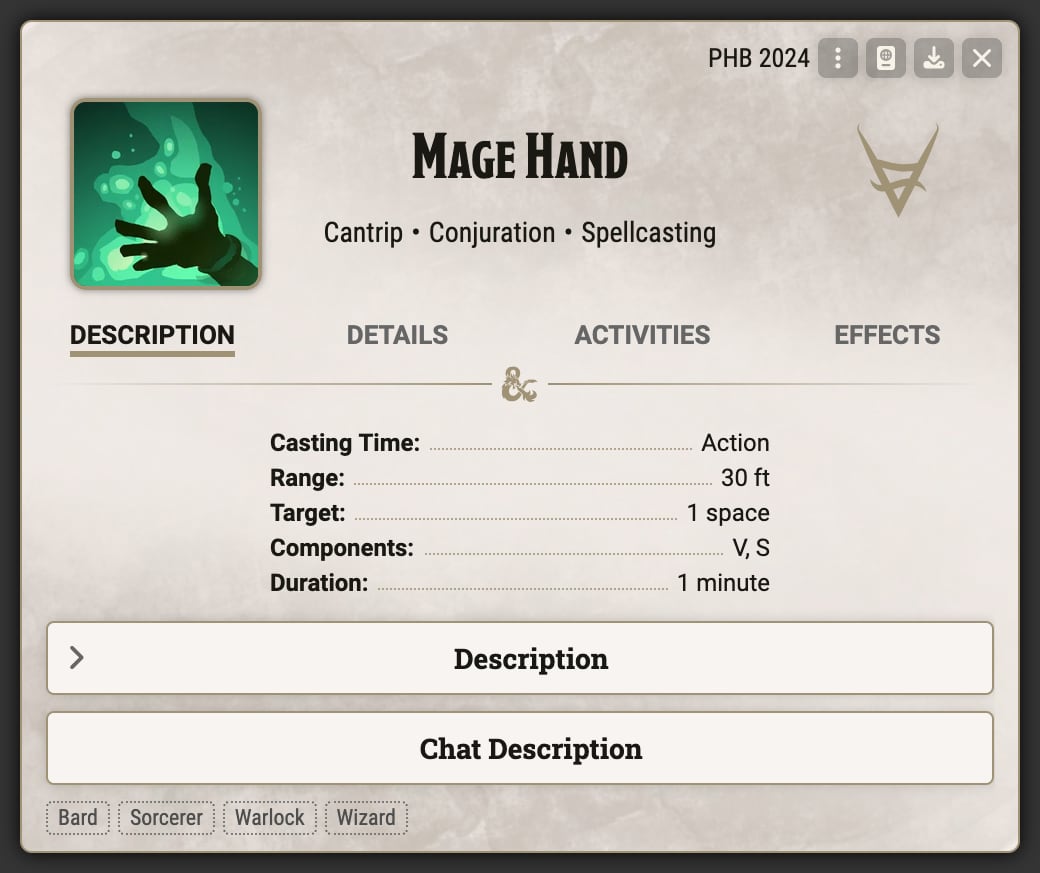
Unlike most information listed on a spell, there is no field even in edit mode to list the eligible classes. This guide provides a walkthrough for how to define eligible classes for a spell, either for a new spell or for new classes (this also works for any Subclass, Background, or Species that may want a spell list, however those will only be visible in the Compendium Browser and will not appear on the spell sheet).
If you don't have a personal module, you can create one by following this guide from the official Knowledge Base. This module will be primarily used to hold the spell list journals, but you can use it for any other custom content, such as an Item compendium to hold spells.
If you already have a personal module, you may still need to add a compendium pack to hold journals. You can return to the Setup screen, right click your existing module, and select the "Edit Module" option.
Switch to the "Compendium Packs" tab and add a JournalEntry compendium. You can name it whatever you like; we will only be adding a single JournalEntry to it.
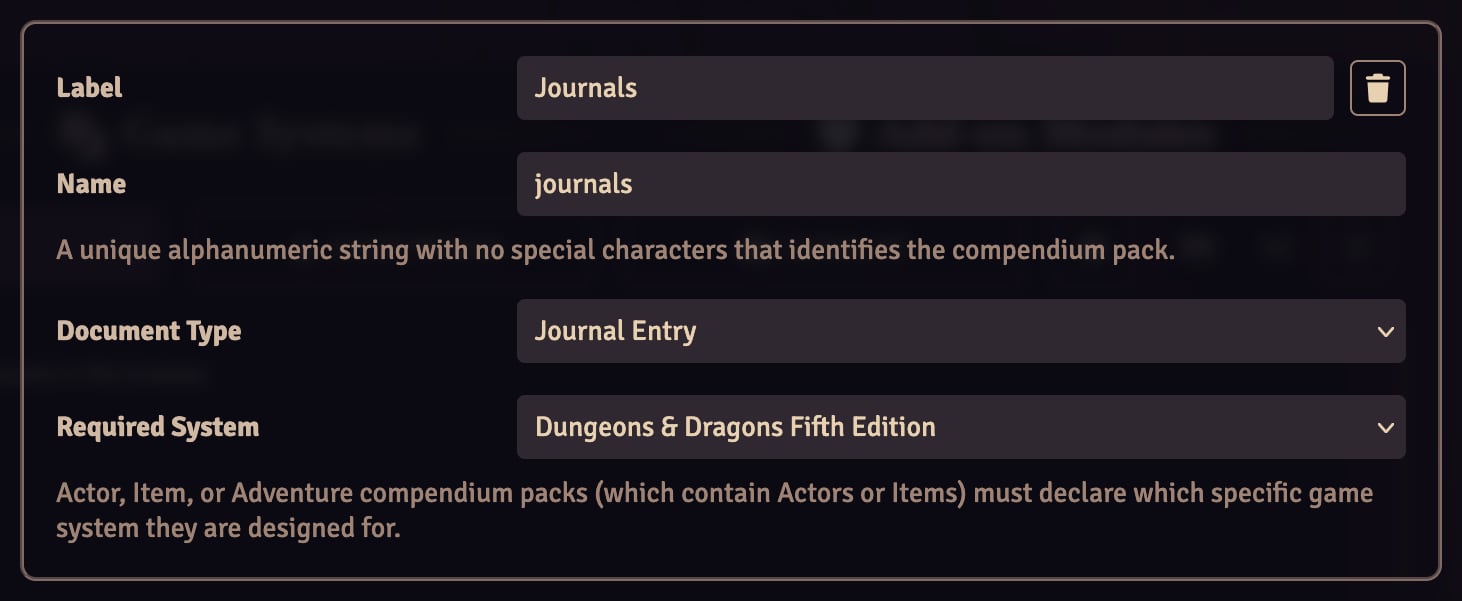
You can reuse the compendium for any other journals you want to share between worlds, such as other specialized Journal Page types added by the system.
Create or save your module then return to the Worlds tab of the setup screen and open a world. If this is a new personal module, enable the module. Your journal compendium should now appear in the compendium tab. If it's not already unlocked, right click the journal compendium and unlock it so you can edit it.
Create a new Journal Entry in your compendium, preferably named something witty like "Spell Lists". Next, open that Journal Entry and create a new Spell List page for each class* you wish to support. For example, if you're just trying to add the eligible spells for a single new class you only need one page; if you're trying to mark a new spell as an option for each of Sorcerer, Warlock, and Wizard, you need one page for each of them. Spell list pages are fully reusable - so long as it's for the same class, you can add any number of spells. You only need new pages when it's a new identifier.
*While this guide focuses on adding support for classes, any of the Spell List Types (e.g. Background) work just fine.
Once the spell list pages are filled in, copy the UUID for each of them to some external program, such as Notepad. You will need access to them while Foundry is shut down. Each of them should start with Compendium.
The final step is to register the spell list UUIDs in your module.json. If you don't know where that is, the Application Configuration form will tell you the location of your Foundry Data folder. From there, navigate to modules/your-module-id; this folder will have the module.json file. You can edit this with any text editor, such as Notepad++.
We are adding flags to the root of our module manifest. If you have not already, shut down foundry.
Within the spellLists array, copy and paste each of the UUIDs you copied in Step 2.2. It will look something like the following - note that this flags is not within any pack or other structure within the file, it is a top-level, root property.
{
  "flags": {
    "dnd5e": {
      "spellLists": [
        "Compendium.dnd5e.rules.JournalEntry.QvPDSUsAiEn3hD8s.JournalEntryPage.ziBzRlrpBm1KVV0j",
        "Compendium.dnd5e.rules.JournalEntry.QvPDSUsAiEn3hD8s.JournalEntryPage.cuG9d7J9fQH9InYT",
        "Compendium.dnd5e.rules.JournalEntry.QvPDSUsAiEn3hD8s.JournalEntryPage.MWiN7ILEO0Vd3zAZ",
        "Compendium.dnd5e.rules.JournalEntry.QvPDSUsAiEn3hD8s.JournalEntryPage.FhucONA0yRZQjMmb",
        "Compendium.dnd5e.rules.JournalEntry.QvPDSUsAiEn3hD8s.JournalEntryPage.sANq9JMycfSq3A5d",
        "Compendium.dnd5e.rules.JournalEntry.QvPDSUsAiEn3hD8s.JournalEntryPage.PVgly1xB2S2I8GLQ",
        "Compendium.dnd5e.rules.JournalEntry.QvPDSUsAiEn3hD8s.JournalEntryPage.mx4TsSbBIAaAkhQ7",
        "Compendium.dnd5e.rules.JournalEntry.QvPDSUsAiEn3hD8s.JournalEntryPage.k7Rs5EyXeA0SFTXD"
      ]
    }
  }
}
Once you've saved your module.json, you can start foundry back up and the header of the spells should be adjusted. You can update your spell list pages later and those changes will be available the next time you reload the page - you only have to edit module.json whenever you add or remove a spell list page, not when the page itself is merely updated.
If the above guide isn't working for any of your spells, try the following steps:
- Refresh (f5) Foundry. The spell list register is initialized on world load.
- Restart Foundry. Updates to module.json are not read while a world is open.
- Double check that you grabbed all of the spell list UUIDs you want and put them in your module.json.
- Make sure that the
flagsyou've added to are at the top level of your module.json and not nested somewhere, like inside of a pack. Foundry uses the name "flags" frequently, and in this case you probably have to define it for yourself.
If only some of your spells aren't working, it's likely that their _stats.compendiumSource is set incorrectly. This can occur from importing spells into the compendium on older versions on dnd5e. The following macro will fix it; all you have to do is copy the UUID from one of the spells in your compendium and paste it into the script where it says "PASTE_HERE".
// Replace with the full UUID, e.g. "Compendium.dnd5e.spells.Item.JLTQyqXEaJDrTXyW"
const sampleSpell = "PASTE_HERE"

const notif = ui.notifications.warn("Beginning Updates")
const parse = foundry.utils.parseUuid(sampleSpell);
await parse.collection.updateAll({ '_stats.compendiumSource': null })
ui.notifications.remove(notif)
ui.notifications.info("Updates complete")
If all else fails, you can try to debug by accessing the actual spell registry at dnd5e.registry.spellLists in world. It has two relevant methods, forType and forSpell, whose signatures are copied below.
  /**
   * Retrieve a specific spell list from the registry.
   * @param {string} type        Type of list as defined in `CONFIG.DND5E.spellListTypes`.
   * @param {string} identifier  Identifier of the specific spell list.
   * @returns {SpellList|null}
   */
  forType(type, identifier)


  /**
   * Retrieve a list of spell lists a spell belongs to.
   * @param {string} uuid  UUID of a spell item.
   * @returns {Set<SpellList>}
   */
  forSpell(uuid)