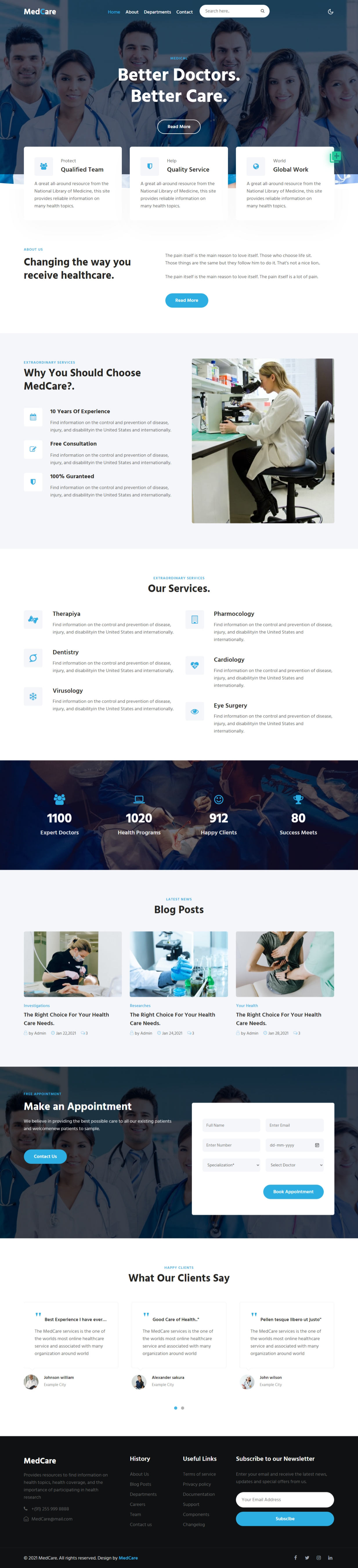
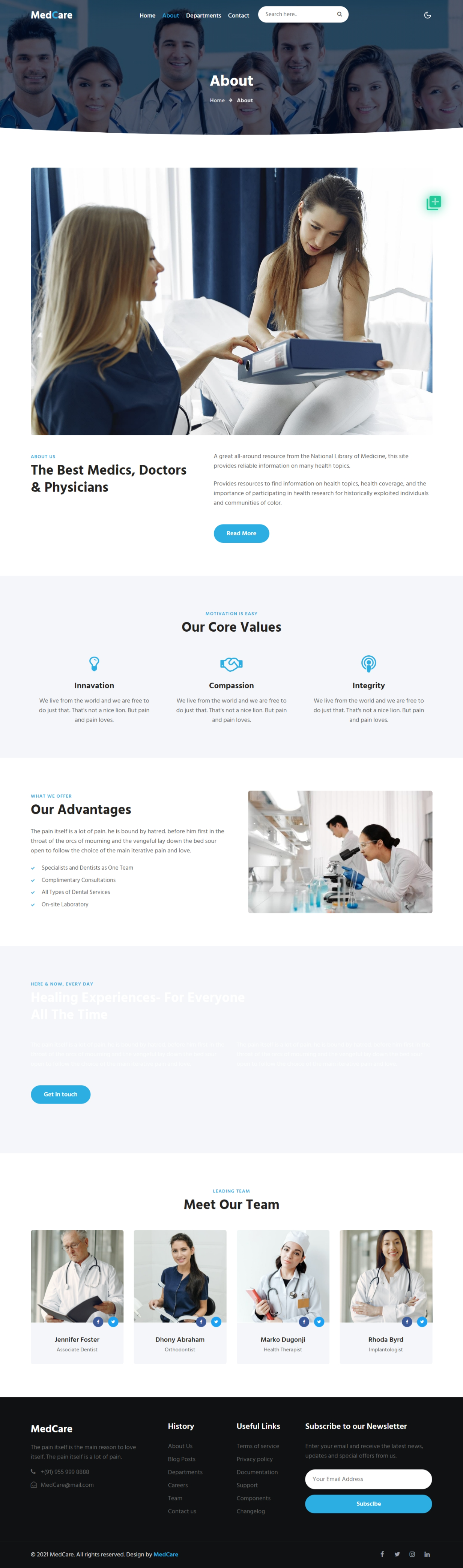
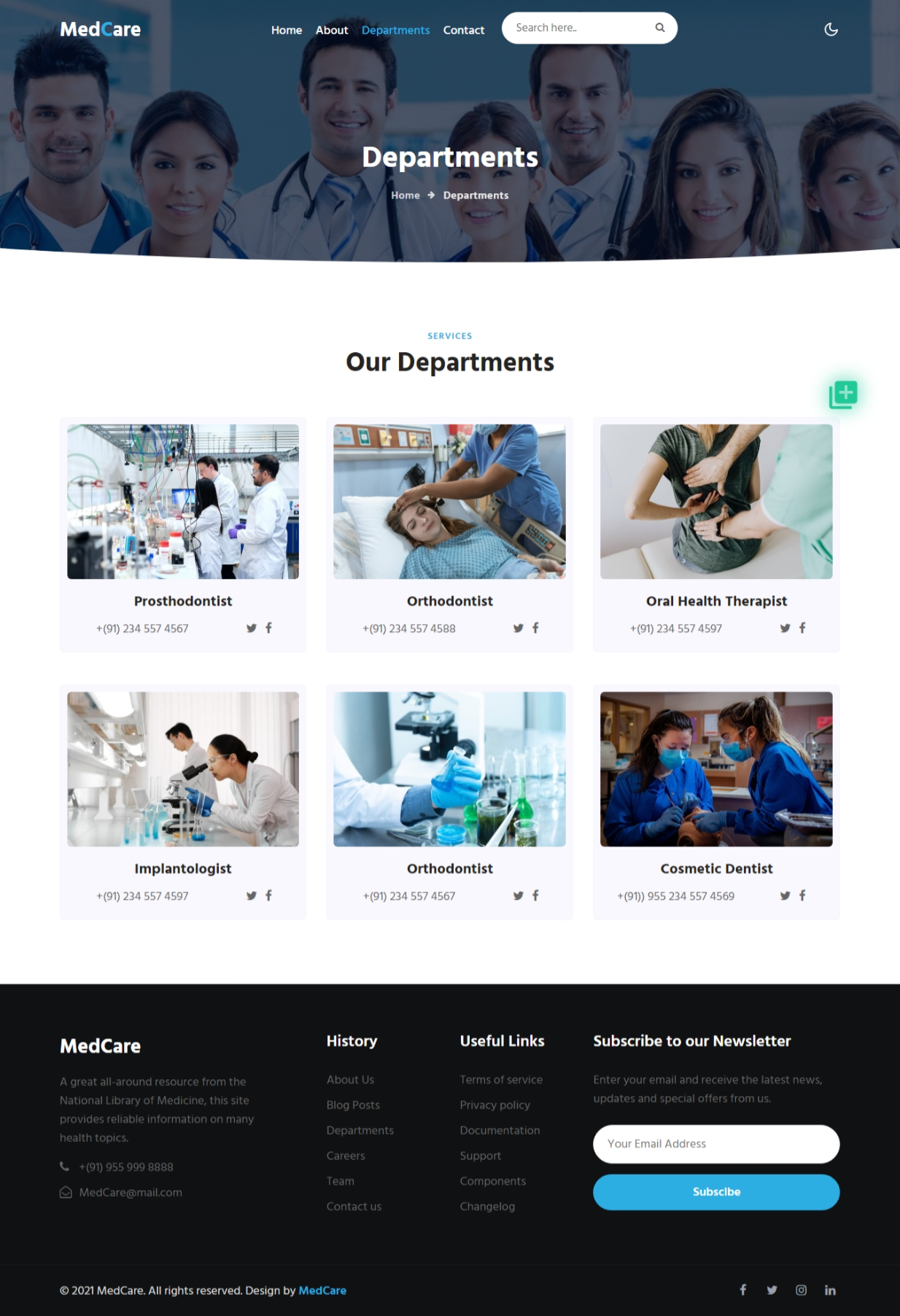
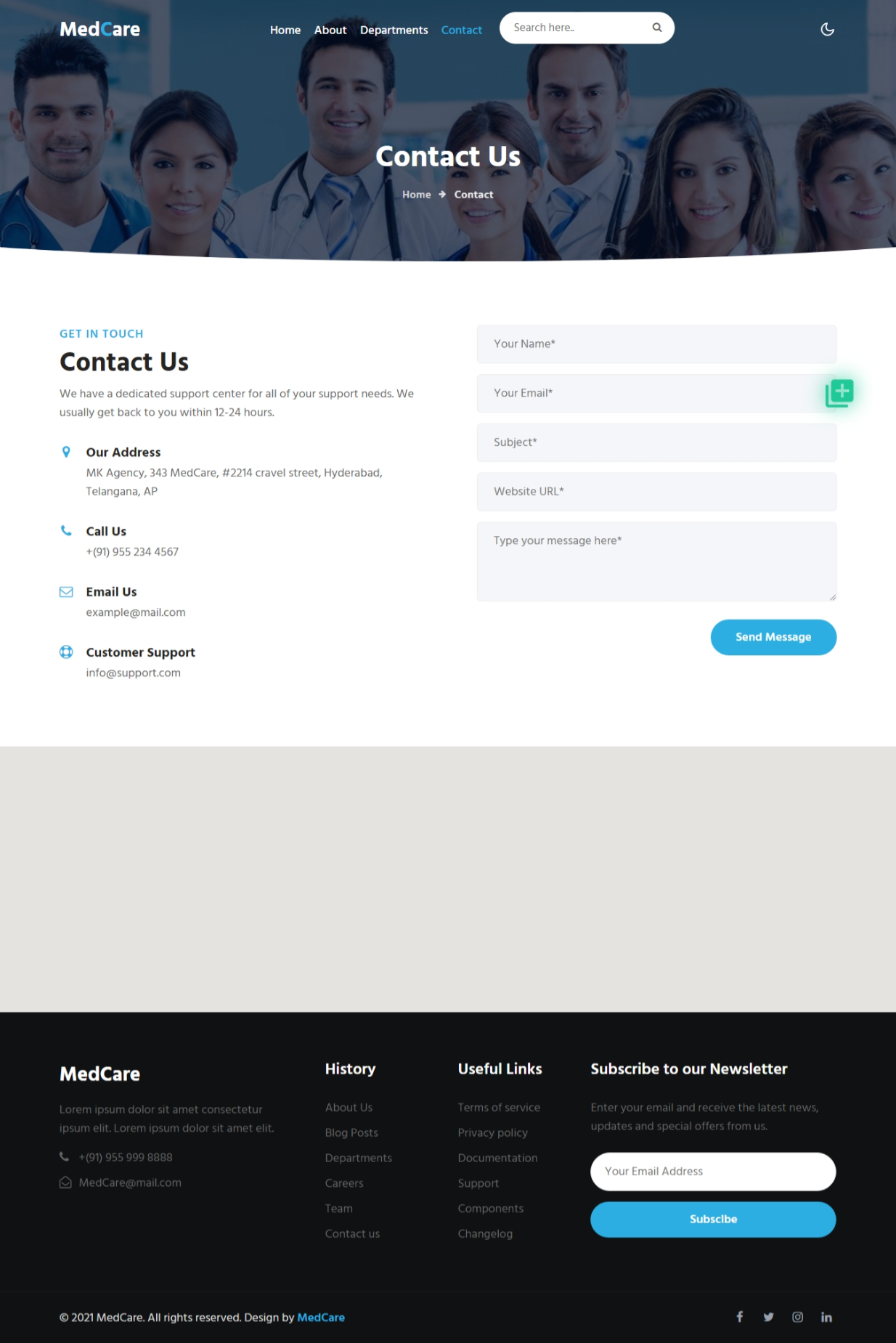
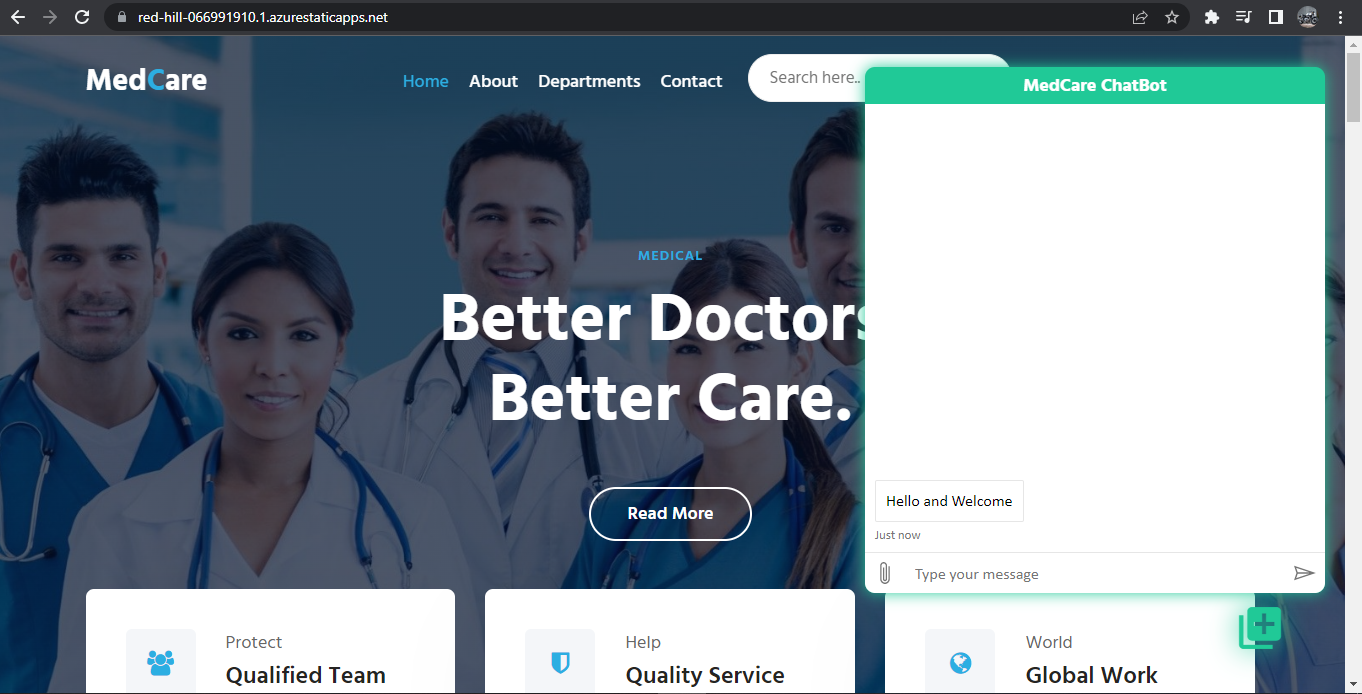
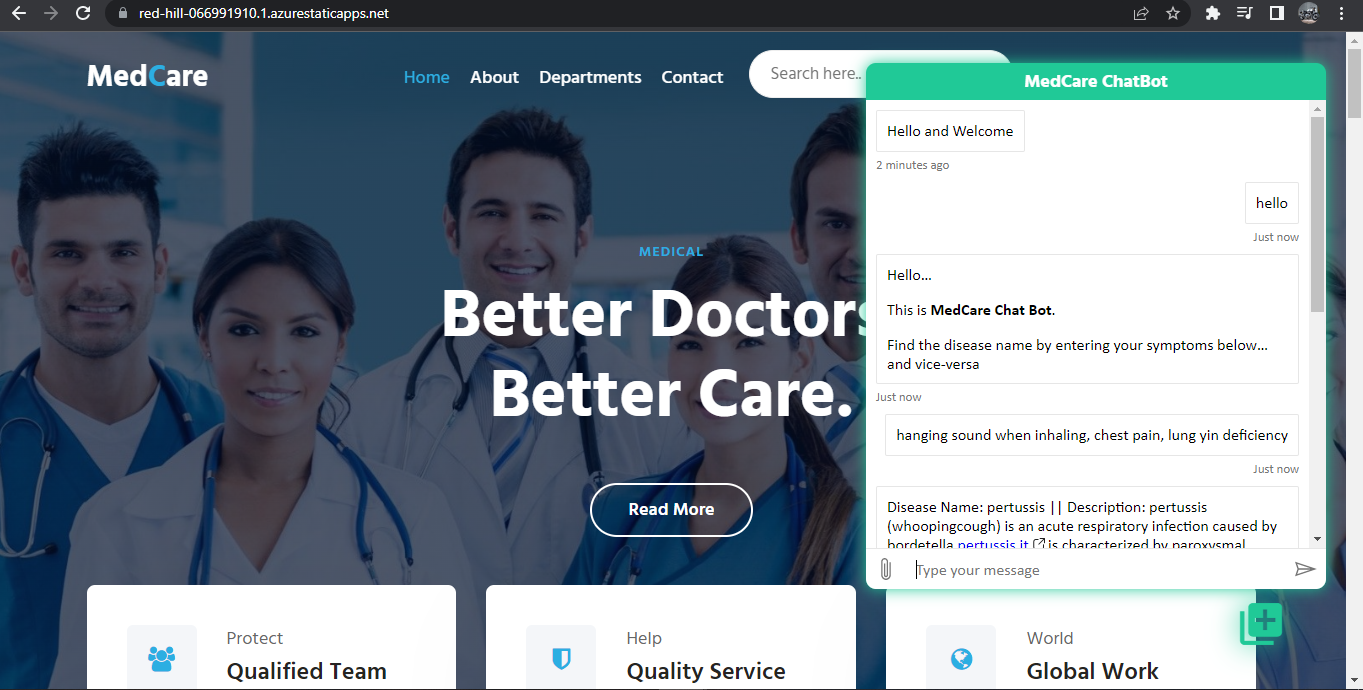
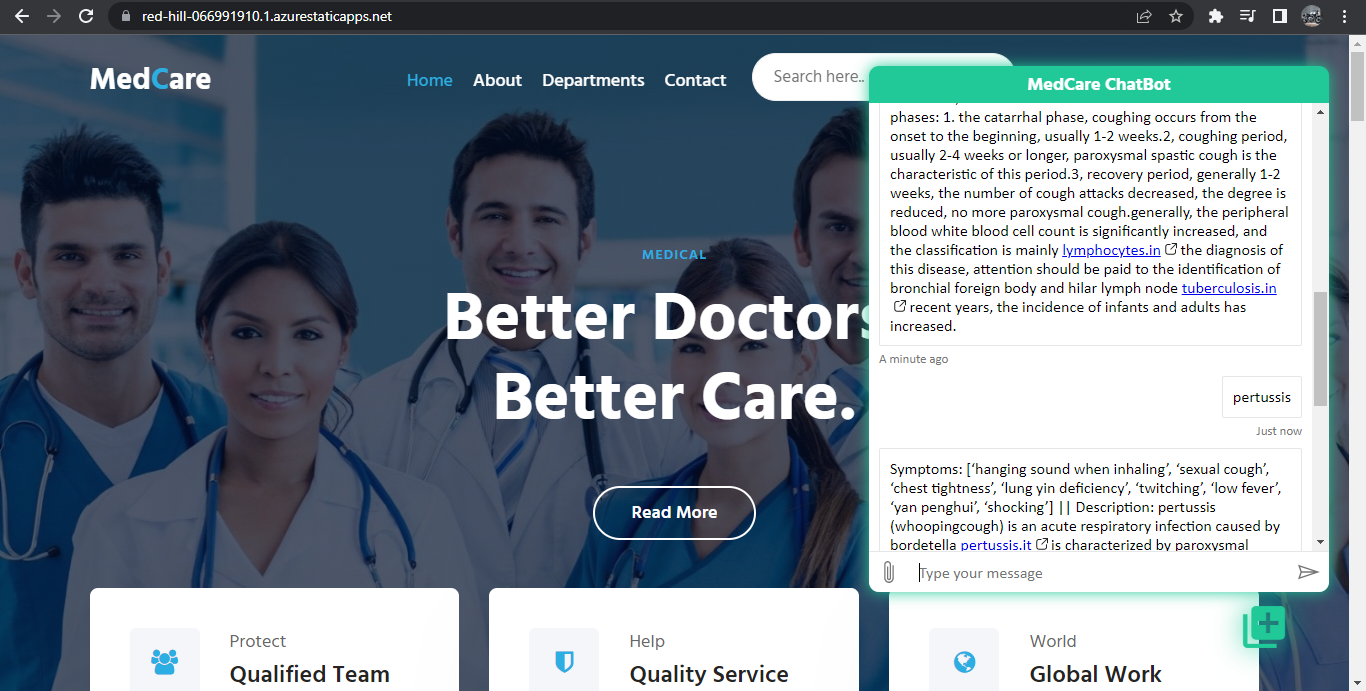
The MedCare website is used to consult doctors online and make appointments to consult doctors offline. This website also contain chatbot called MedCare Chatbot which help people find the name of the disease corresponding to their symptoms and vice-versa. This website is implemented using HTML, Javascript and CSS Technologies. This website contain four pages they are HOME, About, Departments, Contact. My Website contain light mode and Dark mode.
Medcare Website Link: https://bojadlabalaji.github.io/MedCare_FRT_Project/
I have deployed my project in Static web apps as follow
1)Navigate to the Azure portal.
2)Select Create a Resource.
3)Search for Static Web Apps.
4)Select Static Web Apps.
5)Select Create.
6)In the Basics section, begin by configuring new app.
| Setting | Value |
|---|---|
| Azure subscription | Azure for Students |
| Resource Group | Medcarewebsite_group |
| Name | MedcareWebsite |
| Plan type | Free |
| source | Github |
| GitHub account | bojadlabalaji |
and added this git repository by linking my git account.
7) click review+create
8) clicl create