


This repository contains VS Code 3D, a powerful fork of Visual Studio Code that integrates native 3D modeling capabilities directly into the editor. Built on the solid foundation of Microsoft's VS Code, this enhanced version adds comprehensive 3D development tools powered by three.js, creating the ultimate environment for developers working with 3D graphics, WebGL, game development, and interactive visualizations.
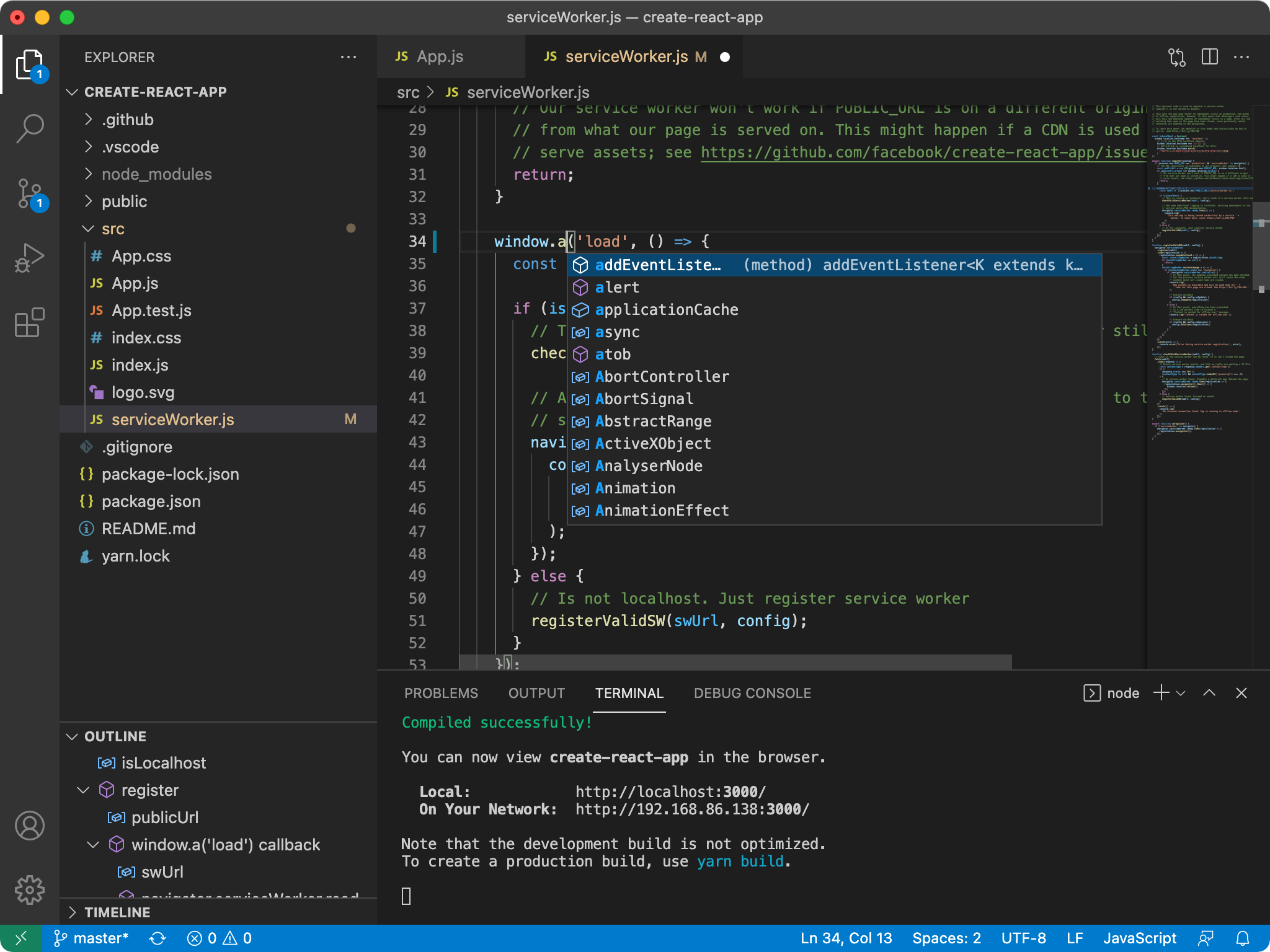
Traditional code editing enhanced with integrated 3D modeling capabilities
VS Code 3D combines the familiar, powerful code editing experience of Visual Studio Code with native 3D modeling tools. Whether you're developing WebGL applications, creating interactive 3D websites, building games, or working on architectural visualizations, VS Code 3D provides an integrated workflow that eliminates the need to switch between multiple applications.
- 🎨 Integrated 3D Viewport: Native 3D scene editor built directly into VS Code
- ⚡ Three.js Integration: Full three.js library integration with IntelliSense and debugging
- 🔧 3D Modeling Tools: Basic to advanced 3D modeling capabilities
- 🎯 Live Preview: Real-time 3D scene updates as you code
- 📐 Geometry Editor: Visual mesh editing and manipulation tools
- 🎭 Material Editor: Advanced material and texture editing interface
- 🚀 WebGL Development: Optimized workflow for WebGL and WebXR projects
- 📱 Cross-Platform: Available for Windows, macOS, and Linux
- Scene Graph Management: Visual hierarchy editor for 3D scenes
- Mesh Editing: Vertex, edge, and face manipulation tools
- Primitive Creation: Quick generation of basic 3D shapes
- Import/Export: Support for popular 3D formats (glTF, OBJ, FBX, DAE)
- Animation Timeline: Keyframe animation editor and timeline
- Enhanced IntelliSense: Full code completion for three.js API
- Live Debugging: Debug 3D scenes with breakpoints and inspection
- Performance Profiling: Built-in WebGL performance analysis tools
- Shader Editor: GLSL syntax highlighting and live shader compilation
- Asset Management: Integrated texture and model asset browser
- Hot Reload: Instant 3D scene updates during development
- Split View: Code and 3D viewport side-by-side
- Version Control: Full Git integration for 3D assets and scenes
- Extensions: Compatible with existing VS Code extensions
- Templates: 3D project templates and snippets
Download VS Code 3D for your platform:
- Windows: Download for Windows
- macOS: Download for macOS
- Linux: Download for Linux
- Create a 3D Project: Use
Ctrl+Shift+Pand run "Create 3D Project" - Open 3D Viewport: Press
Ctrl+Shift+3to toggle the 3D editor - Add 3D Objects: Use the built-in primitive tools or import models
- Live Coding: Edit three.js code and see changes in real-time
- Minimum: 4GB RAM, DirectX 11 / OpenGL 3.3 compatible graphics
- Recommended: 8GB RAM, Dedicated GPU with 2GB VRAM
- For Development: 16GB RAM, Modern GPU with 4GB+ VRAM
We welcome contributions to VS Code 3D! There are many ways to participate:
- 3D Features: Help improve the 3D modeling tools and viewport
- Three.js Integration: Enhance the three.js development experience
- Performance: Optimize 3D rendering and editor performance
- Platform Support: Improve cross-platform compatibility
- Submit 3D-related bugs and feature requests
- Review pull requests for 3D functionality
- Create 3D project templates and examples
- Contribute to documentation and tutorials
- Share 3D models and scenes with the community
To contribute to VS Code 3D development:
- Prerequisites: Node.js 16+, Python 3.x, C++ build tools
- Clone Repository:
git clone https://github.com/yourusername/vscode-3d.git - Install Dependencies:
npm install - Build 3D Components:
npm run build:3d - Run Development:
npm start
See our Contributing Guide for detailed information on:
- Setting up the development environment
- Building and testing 3D features
- Code style guidelines for 3D components
- Submitting pull requests for 3D functionality
- Ask Questions: Stack Overflow
- Feature Requests: GitHub Issues
- Bug Reports: GitHub Issues
- 3D Showcase: Share your creations in Discussions
- Discord Community: Join our 3D development Discord
- 3D Development Tutorials: Getting Started with 3D in VS Code
- Three.js Integration Guide: Three.js Best Practices
- Example Projects: 3D Project Gallery
- Video Tutorials: YouTube Channel
- three.js: The foundation of our 3D capabilities
- WebGL: Hardware-accelerated graphics
- WebXR: Virtual and Augmented Reality support
- Babylon.js: Alternative 3D engine support (planned)
- Blender: Import/export pipeline with Blender
- Unity: Asset sharing between Unity and VS Code 3D
- Unreal Engine: Compatible asset formats
- Sketchfab: Direct model import from Sketchfab
- 3D Model Viewers: Enhanced preview capabilities
- Shader Editors: Advanced GLSL development tools
- Physics Engines: Integration with physics simulations
- VR/AR Tools: Extended reality development support
VS Code 3D includes specialized extensions for 3D development:
3d-viewer: Native 3D model viewer and editorthreejs-language-features: Enhanced three.js development supportwebgl-debugger: WebGL debugging and profiling toolsshader-editor: GLSL shader development environment3d-assets-manager: Asset organization and management
gltf-tools: glTF 2.0 editing and validationobj-support: Wavefront OBJ file handlingfbx-importer: Autodesk FBX file supportcollada-dae: COLLADA DAE file processing
This repository includes enhanced development container support for 3D development:
- GPU Acceleration: Hardware-accelerated graphics in containers
- 3D Libraries: Pre-installed three.js, WebGL tools, and dependencies
- Development Tools: Complete 3D development toolchain
- Performance Optimized: Configured for 3D development workflows
- Docker: Latest version with GPU support
- Hardware: Dedicated GPU recommended for 3D development
- Memory: 8GB RAM minimum, 16GB recommended
- Storage: 50GB available space for 3D assets and builds
For detailed setup instructions, see the development container guide.
VS Code 3D integrates three.js through a custom extension architecture that provides:
- Native Performance: Direct GPU access through Electron's renderer process
- Memory Management: Optimized memory usage for large 3D scenes
- Concurrent Processing: Background processing for 3D operations
- Plugin System: Extensible 3D tool and format support
- Import: glTF, OBJ, FBX, DAE, STL, PLY, 3MF
- Export: glTF, OBJ, STL (additional formats via plugins)
- Textures: PNG, JPG, TIFF, EXR, HDR
- Materials: PBR workflows, custom shader materials
VS Code 3D is based on Visual Studio Code and maintains compatibility with the original MIT license.
- Original VS Code: Copyright (c) Microsoft Corporation
- 3D Extensions: Copyright (c) VS Code 3D Contributors
- three.js Integration: Uses three.js under MIT license
- Additional Libraries: See THIRD-PARTY-LICENSES.md
Licensed under the MIT License.
- 🚀 Download Latest Release
- 📚 Documentation
- 🎮 3D Examples
- 💬 Community Discord
- 🐛 Report Issues
- 🎯 Feature Requests
Transform your coding experience with integrated 3D capabilities. Welcome to the future of 3D development!