



A generic ScrollView component that allows you to implement highly flexible animations. It also supports infinite scrolling.






Purchase from the Unity Asset Store and consider further development support.
Add the package to the Unity Project from the OpenUPM registry.
openupm add jp.setchi.fancyscrollview
Add a reference to the repository to Packages/manifest.json file in your project directory.
{
  "dependencies": {
    "jp.setchi.fancyscrollview": "https://github.com/setchi/FancyScrollView.git#upm"
  }
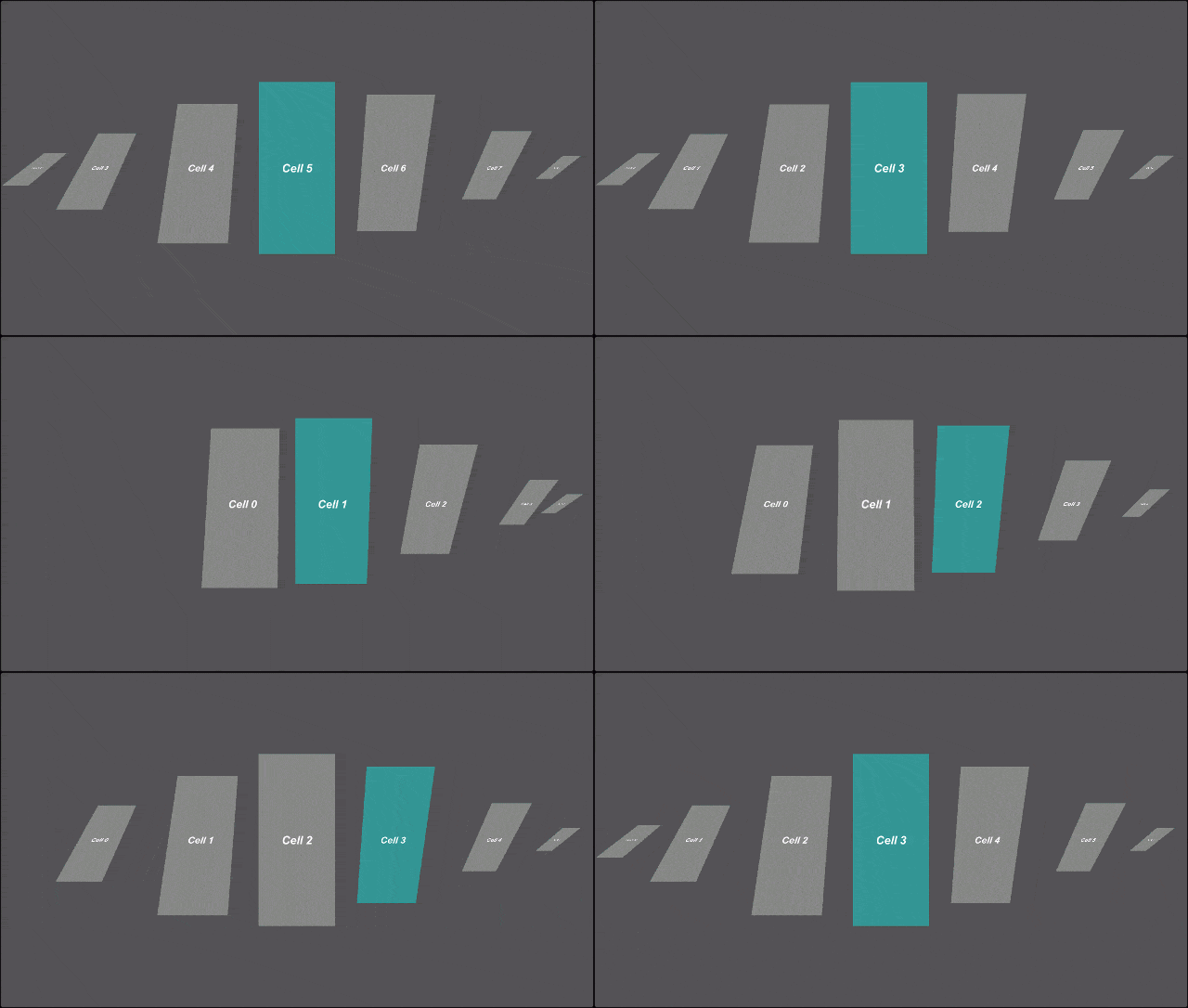
}When FancyScrollView updates the scroll position, it passes the normalized position of the viewport range to each cell. On the cell side, a cell itself controls the scrolling position and appearance based on the value between 0.0-1.0.
The sample uses Animator and mathematical formulas to implement scrolling movements.
Only the number of cells needed for display will be generated and the cells will be reused. You can check the operation while actually increasing the number of data in this Demo. In FancyScrollRect and FancyGridView, number of cell before and after reuse can also be specified.
With Context, you can simply implement the process of detecting that a cell has been clicked in the scroll view and issuing instructions to the cell from the scroll view. An implementation example(Examples/02_FocusOn)is included, so please refer to it.
You can also specify the number of seconds to move and Easing. See Class Scroller in API Documentation for more information.
You can set the behavior related to scrolling, such as the presence or absence of inertia and the deceleration rate. See Class Scroller in API Documentation for more information.
When snapping is enabled, it will move to the nearest cell just before scrolling stops. You can specify a threshold for the speed at which snaps start, the number of seconds to move, and Easing. FancyScrollRect and FancyGridView do not support snapping.
Infinite scrolling can be implemented by setting the following in Inspector
- When
LoopinFancyScrollViewis enabled, the cells will loop with the last cell before the first cell and the first cell after the last cell. - By setting
Movement TypetoUnrestrictedinScroller, scroll range can be made unrestricted. Infinite scrolling can be achieved by combining with (1).
An implementation example(Examples/03_InfiniteScroll)is included, so please refer to it as well. FancyScrollRect and FancyGridView do not support infinite scrolling.
| Name | Description |
|---|---|
| 01_Basic | This is an implementation example of the simplest configuration. |
| 02_FocusOn | This is an implementation example that focuses on the left and right cells with a button. |
| 03_InfiniteScroll | This is an implementation example of infinite scrolling. |
| 04_Metaball | This is an example of implementing a metaball using a shader. |
| 05_Voronoi | This is an example of Voronoi implementation using a shader. |
| 06_LoopTabBar | This is an implementation example of switching screens with tabs. |
| 07_ScrollRect | This is an implementation example of a style with a scroll bar in ScrollRect |
| 08_GridView | This is an implementation example of grid layout. |
| 09_LoadTexture | This is an implementation example of loading and displaying a texture. |
In the simplest configuration,
- Object for passing data to a cell
- Cell
- Scroll View
needs to be implemented.
Define an object to pass data to a cell.
class ItemData
{
    public string Message { get; }

    public ItemData(string message)
    {
        Message = message;
    }
}
Implement your own cell by inheriting FancyCell<TItemData>.
using UnityEngine;
using UnityEngine.UI;
using FancyScrollView;

class MyCell : FancyCell<ItemData>
{
    [SerializeField] Text message = default;

    public override void UpdateContent(ItemData itemData)
    {
        message.text = itemData.Message;
    }

    public override void UpdatePosition(float position)
    {
        // position is a value between 0.0 and 1.0
        // You can freely control the appearance of scrolling based on position
    }
}
Implement your own scroll view by inheriting FancyScrollView<TItemData>.
using UnityEngine;
using System.Linq;
using FancyScrollView;

class MyScrollView : FancyScrollView<ItemData>
{
    [SerializeField] Scroller scroller = default;
    [SerializeField] GameObject cellPrefab = default;

    protected override GameObject CellPrefab => cellPrefab;

    void Start()
    {
        scroller.OnValueChanged(base.UpdatePosition);
    }

    public void UpdateData(IList<ItemData> items)
    {
        base.UpdateContents(items);
        scroller.SetTotalCount(items.Count);
    }
}
Pour data into the scroll view.
using UnityEngine;
using System.Linq;

class EntryPoint : MonoBehaviour
{
    [SerializeField] MyScrollView myScrollView = default;

    void Start()
    {
        var items = Enumerable.Range(0, 20)
            .Select(i => new ItemData($"Cell {i}"))
            .ToArray();

        myScrollView.UpdateData(items);
    }
}
See Examples and API Documentation for more details.