


@trycua/computer is a Computer-Use Interface (CUI) framework powering Cua for interacting with local macOS and Linux sandboxes, Playwright-compatible, and pluggable with any AI agent systems (Cua, Langchain, CrewAI, AutoGen). Computer relies on Lume for creating and managing sandbox environments.
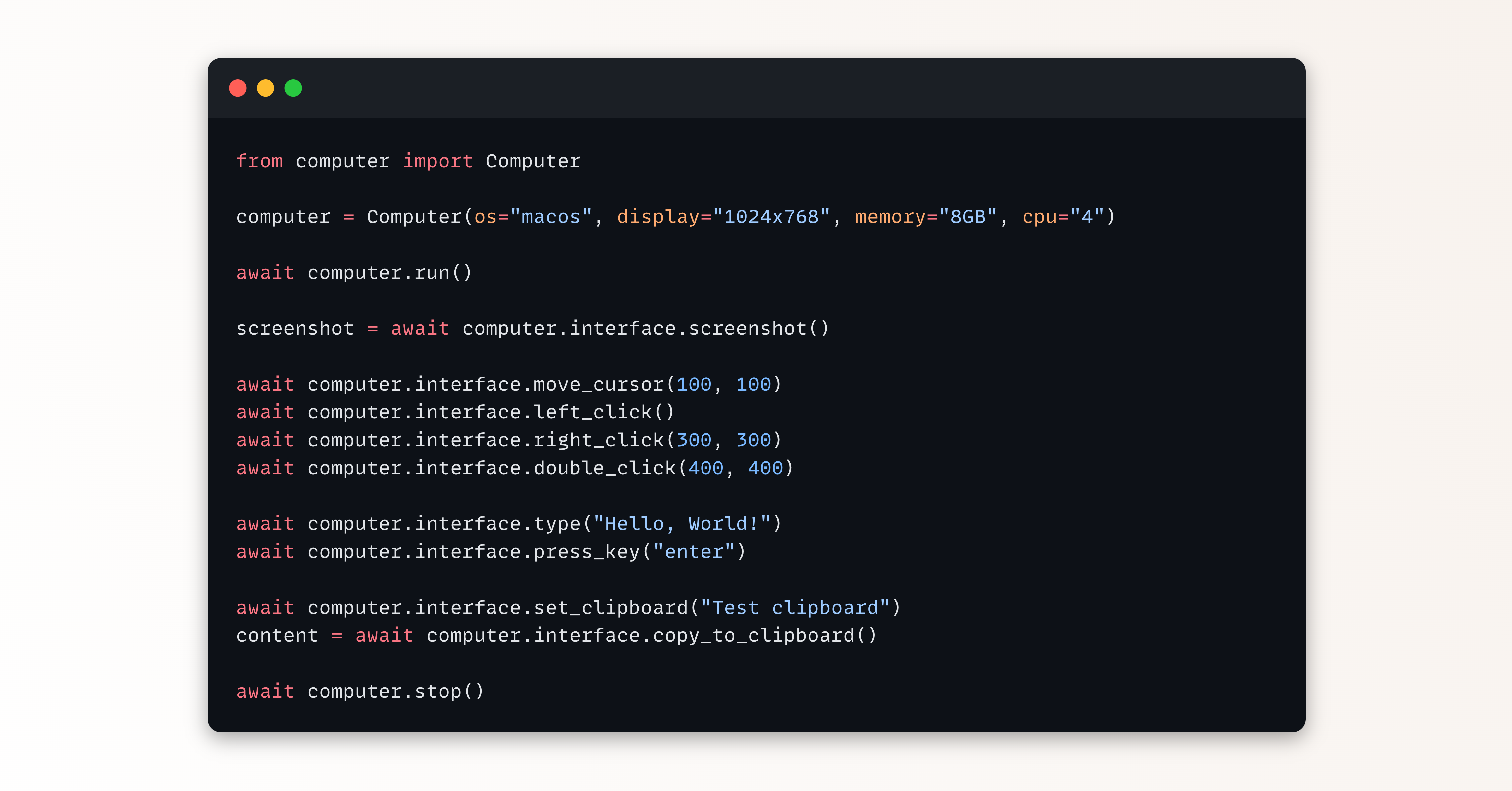
import { Computer, OSType } from '@trycua/computer';

// Create a new computer instance
const computer = new Computer({
  osType: OSType.LINUX,
  name: 's-linux-vm_id',
  apiKey: 'your-api-key'
});

// Start the computer
await computer.run();

// Get the computer interface for interaction
const computerInterface = computer.interface;

// Take a screenshot
const screenshot = await computerInterface.getScreenshot();
// In a Node.js environment, you might save it like this:
// import * as fs from 'fs';
// fs.writeFileSync('screenshot.png', Buffer.from(screenshot));

// Click at coordinates
await computerInterface.click(500, 300);

// Type text
await computerInterface.typeText('Hello, world!');

// Stop the computer
await computer.stop();To install the Computer-Use Interface (CUI):
npm install @trycua/computer
# or
pnpm add @trycua/computer
The @trycua/computer package provides the TypeScript library for interacting with computer interfaces.
Refer to this example for a step-by-step guide on how to use the Computer-Use Interface (CUI):